How to Buy Bitcoin with Apple Pay: A Complete Step-by-Step Guide
 Written by Fiona FLast updated:
 Apple Pay has become one of the most practical entry points for cryptocurrency beginners. Combining mobile-first convenience with biometric security via Face ID or Touch ID, it serves over 600 million users globally. However, a common point of confusion remains: Apple Pay does not sell Bitcoin directly.
To purchase Bitcoin using your Apple Wallet, you must route the transaction through a compatible, regulated cryptocurrency exchange. This guide covers how to successfully bypass bank declines, minimize processing fees, and identify the platforms with the fastest settlement times.
Can I Buy Bitcoin Directly Inside the Apple Wallet?
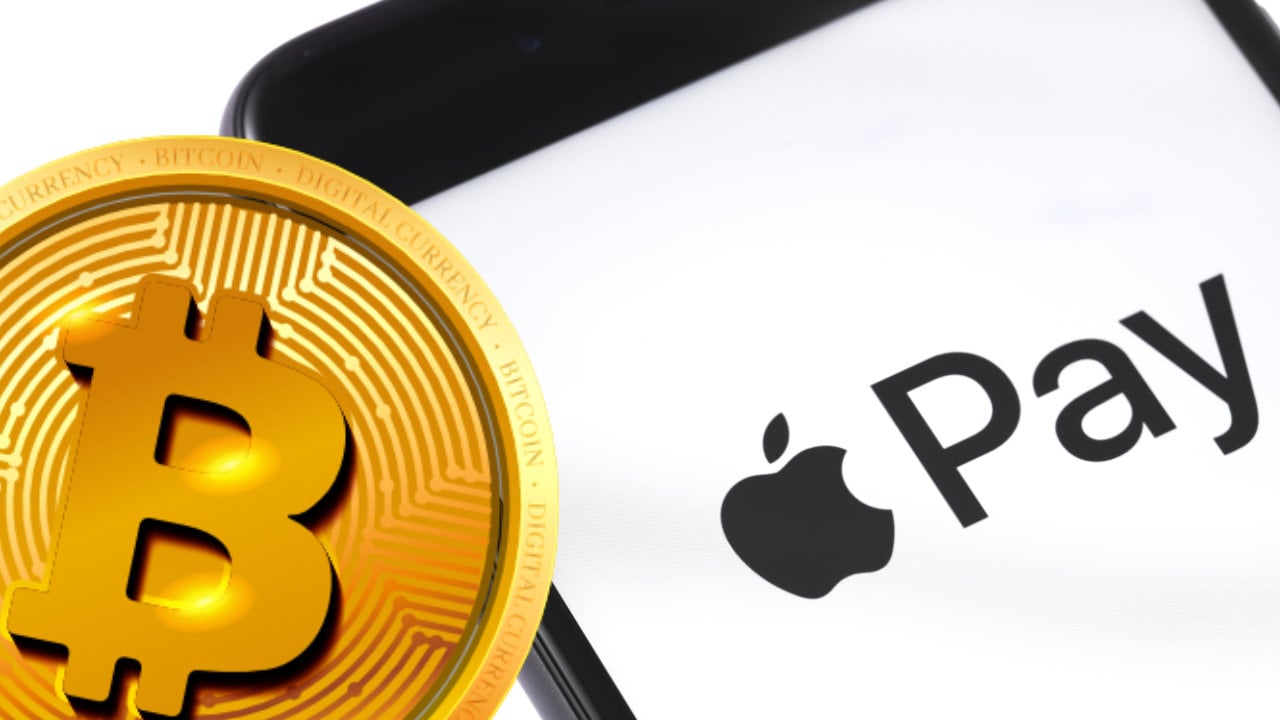
The short answer is no. The native Apple Wallet app does not feature an in-house crypto brokerage. Instead, Apple Pay acts as a secure, tokenized payment layer for third-party crypto platforms.
The Advantage: You never expose your private debit or credit card details to the cryptocurrency exchange, significantly reducing the risk of data breaches.
The Challenge: Apple Pay support is not universal across exchanges, and traditional banks frequently flag or reject crypto-related transactions.
Editor’s Choice: Best Apple Pay Crypto Gateway
While many platforms restrict fiat-to-crypto options based on region, BTCC Exchange features an optimized Apple Pay integration designed to streamline this exact process.
-
Settlement Speed: 2 to 5 minutes straight to your wallet.
-
Fee Efficiency: Configured to process linked debit cards smoothly, minimizing bank-end declines.
-
Welcome Incentive: Up to 30,000 USDT in tiered deposit bonuses to offset your initial trading costs.
Key Requirements for a Smooth Purchase
To ensure your Apple Pay crypto transaction isn’t declined, verify these three prerequisites before proceeding:
-
Device and Regional Compliance
You need a compatible iOS device with an active Apple Wallet. More importantly, your registered region must align with local cryptocurrency regulations. Certain states or countries restrict fiat-to-crypto gateways entirely.
-
Debit Cards vs. Credit Cards (Crucial)
Experienced users strongly recommend using a debit card linked to Apple Pay rather than a credit card. Most major credit card issuers, such as Chase or Barclays, treat crypto purchases as a cash advance. This results in immediate rejections or exorbitant fees, often an extra 3% to 5% plus immediate interest accrual.
Platform Note: BTCC’s payment gateway is optimized to recognize debit-based Apple Pay profiles, helping users bypass these hidden bank-end fees.
-
The No-KYC Reality
A frequent search inquiry is how to buy Bitcoin with Apple Pay without verification. While some peer-to-peer platforms allow small, unverified trials, all reputable, regulated exchanges require basic KYC (Know Your Customer) identity checks to prevent money laundering and secure your funds.
Step-by-Step: How to Buy BTC with Apple Pay in Minutes
Here is the standard workflow to complete your purchase safely using an optimized platform:
-
Access the Platform: Sign up on an approved exchange. You can register on BTCC here (Link: BTCC Registration) to automatically qualify for new-user fee rebates.
-
Complete Basic Verification: Submit your ID to unlock fiat deposit capabilities and ensure account compliance.
-
Configure the Order: Navigate to the Buy Crypto interface. Select Bitcoin (BTC) or a stablecoin like USDT as your target asset.
-
Authenticate via Apple Pay: Choose Apple Pay at checkout. Review the final quotation and authorize the payment securely using Face ID or Touch ID.
-
Wallet Settlement: Your assets will reflect in your exchange wallet within 2 to 5 minutes.
Troubleshooting: Why is My Apple Pay Crypto Transaction Failing?
If your transaction is blocked, it is usually driven by one of these invisible compliance filters:
-
Merchant Category Code (MCC) Restrictions: Banks use specific four-digit codes to categorize transactions. Many banks automatically block MCCs associated with crypto-merchants even if the payment goes through Apple Pay. Switching to a different linked debit card usually resolves this.
-
Apple Cash vs. Apple Pay: You cannot spend an Apple Cash balance directly on most crypto exchanges. To use these funds, transfer your Apple Cash balance back to your linked debit card first, then utilize that card via Apple Pay.
-
Velocity and Tier Limits: High-volume purchases often trigger automated fraud-prevention holds. If you are buying a significant amount of BTC, you may need to complete a higher tier of identity verification on the exchange first.
Maximizing Safety and Your Gains
Beware of Capital Spreads
Many instant-buy apps claim to offer 0% fees but hide their profit margin in an inflated exchange rate, known as the spread. Always compare the final checkout price of BTC against the global market spot price before confirming.
Stick to Official Channels
Never click on direct purchase links found in social media comments or unchecked forums. Only access payment gateways through verified exchange websites or official applications downloaded directly from the iOS App Store.
Leverage New User Incentives
Because competition among secure exchanges is high, platforms frequently offset user transaction fees through welcome rewards. For example, BTCC currently offers a tiered welcome deposit incentive of up to 30,000 USDT for new members, which can substantially mitigate initial trading overheads.
Conclusion and Next Steps
While buying Bitcoin with Apple Pay used to be a friction-filled process, modern exchange integrations have reduced the entire cycle to under two minutes. By choosing a debit-card-backed Apple Wallet and a reliable partner exchange, you can successfully bypass hidden banking roadblocks.
Ready to get started? Secure your account on BTCC today (Link: BTCC Official Site) to explore the crypto market safely, lock in your new member trading bonuses, and discover advanced wealth-building tools like BTCC Earn, which offers up to 20% APY for experienced traders.
/ You can claim a welcome reward of up to 30,000 USDT🎁